Manually Renewing a Master Benefits Plan
Also refer to Using the Benefits Plan Mass Update Feature for Benefits Plan Renewal.
To manually renew a master benefits plan:
- From the modules bar, click
 Workspaces.
The Workspace Search dashboard opens. - Select the desired workspace and click
 (Open).
The Workspace page opens. -
Move down the page to the administrative tiles where you see the dataform categories.

-
Enter "Benefits Plan" in the search for dataform field and then click the Benefits Plan tile.
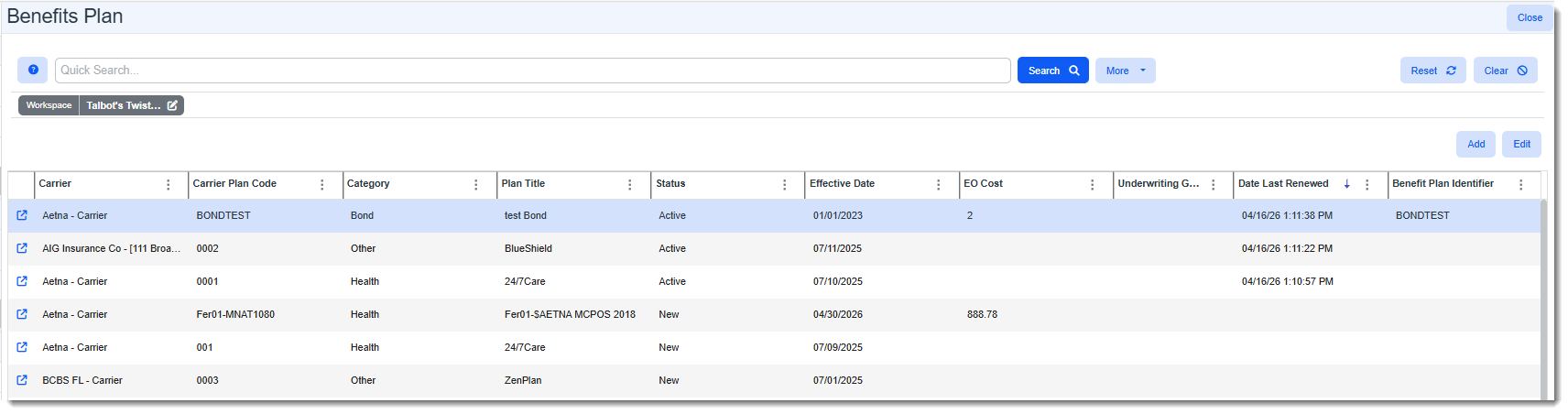
The Benefits Plan search window displays.
-
Open the Benefits Plan you want to renew.
-
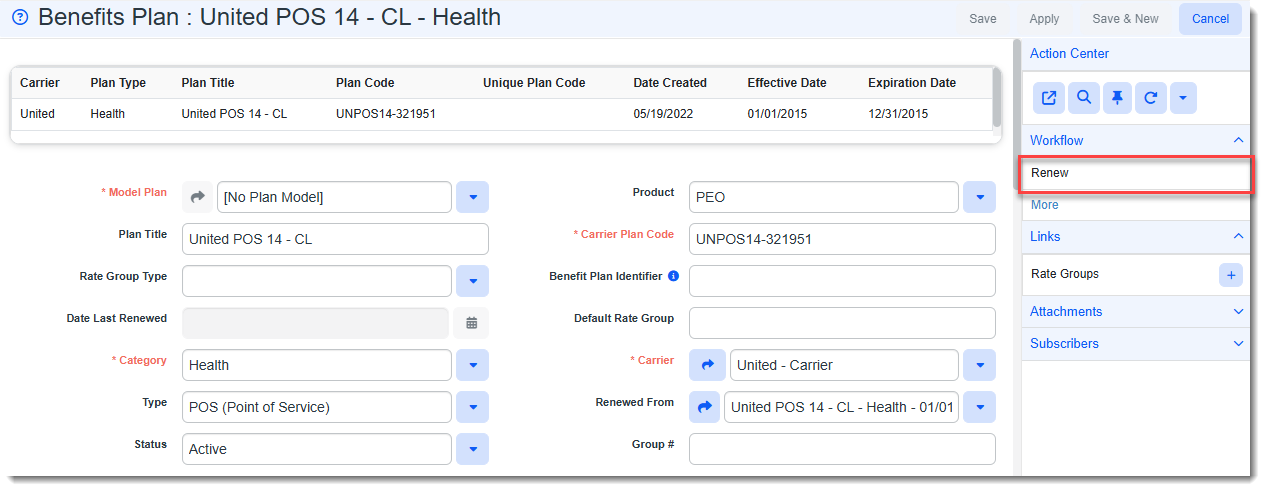
On the Benefits Plan form, in the Action Center under Links, click Renew.
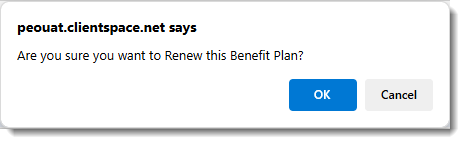
A confirmation message displays similar to the following:
-
Click OK on the confirmation message.
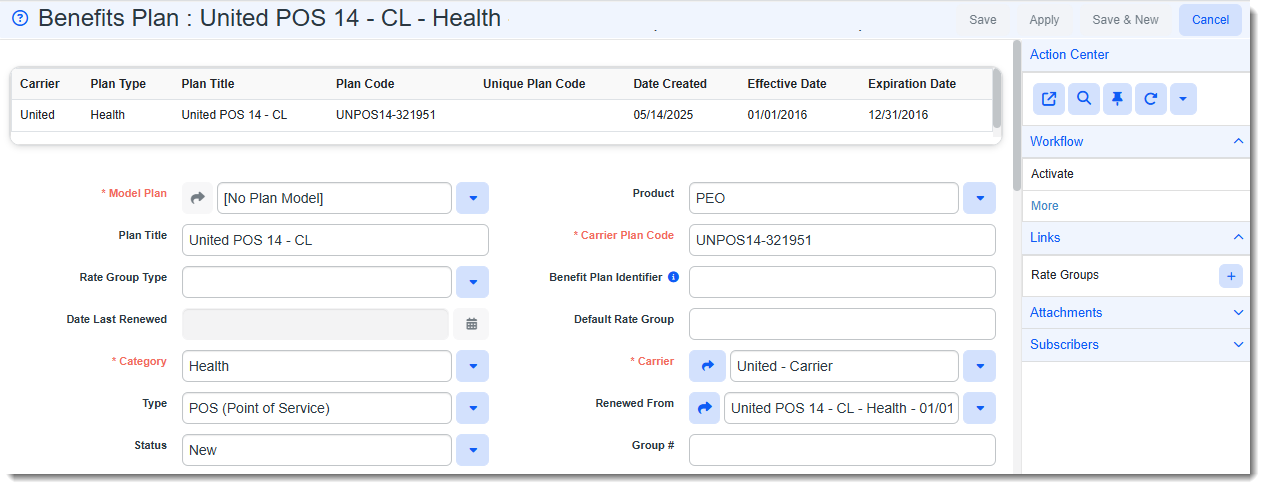
When you click the Renew link in the Action Center, you are returned to the Benefits Plan search window. The Date Last Renewed column on the plan's line item displays the current date and time. If you reopen the benefit plan, the Date Last Renewed field on the plan is auto-filled with the current date and time and the Renew link under Workflow is hidden.
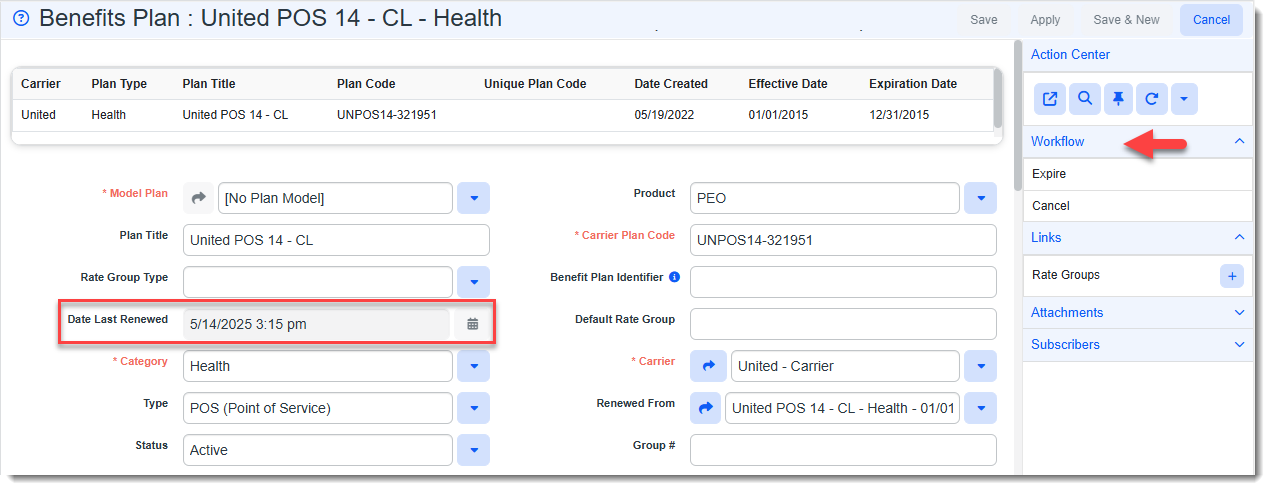
A new plan with a blank Date Last Renewed field is generated so that the process of tracking the date of last renewal and hiding the Renew link carries forward with every Benefit Plan renewal. The Default Rate Group is also copied over to the new plan.